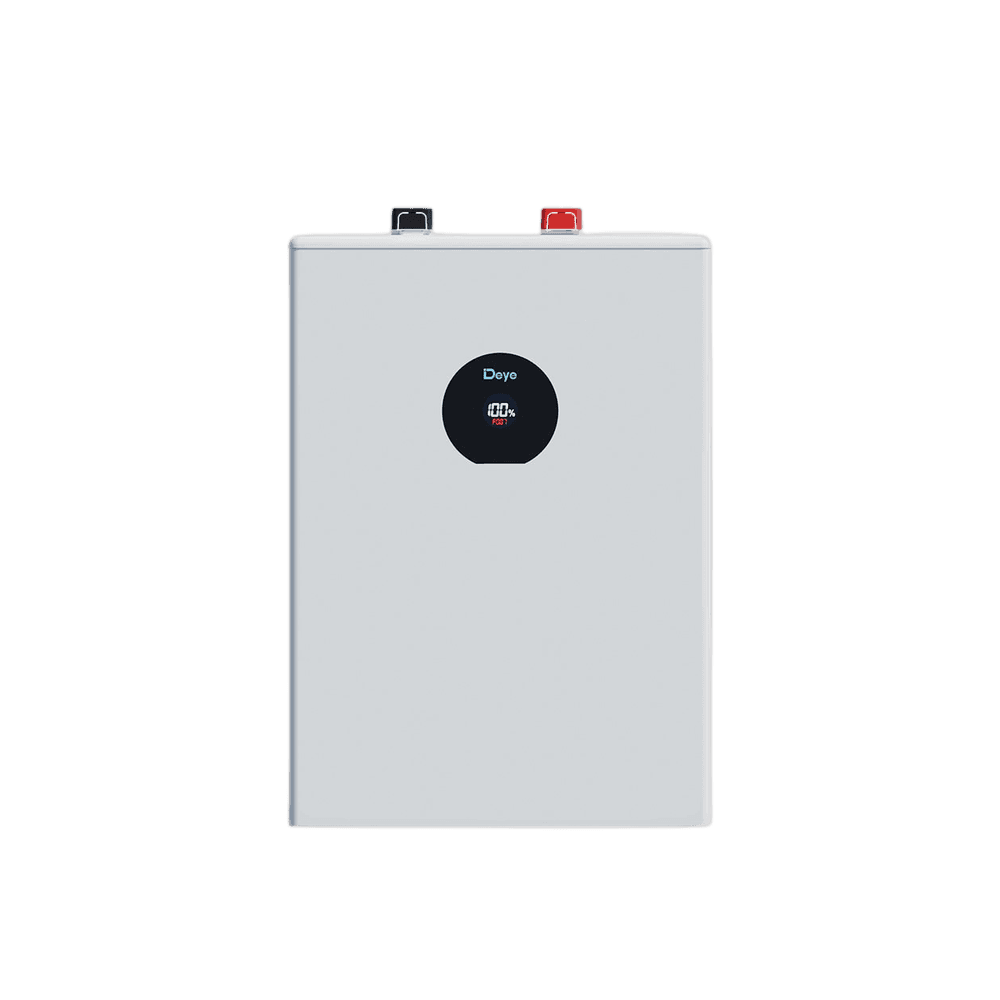
Deye 12.03 kWh 51.2 V Lithium Solar Battery SE-F12
- Energy:12.03 kWh
- Usable Energy:10.83 kWh
AED 7,691
Buy Now — Deye 12.03 kWh 51.2 V Lithium Solar Battery SE-F12This is the complete fault table for the Deye SE Spring Series Battery Battery family — 32 codes shared by 11 model numbers, transcribed from the official manual. On this Deye device, a fault code means the unit has entered protection and stopped normal operation; a warning leaves it running. The exact indication (LED pattern or display code) is listed per code below.
Last checked against the official manuals on 11 July 2026.
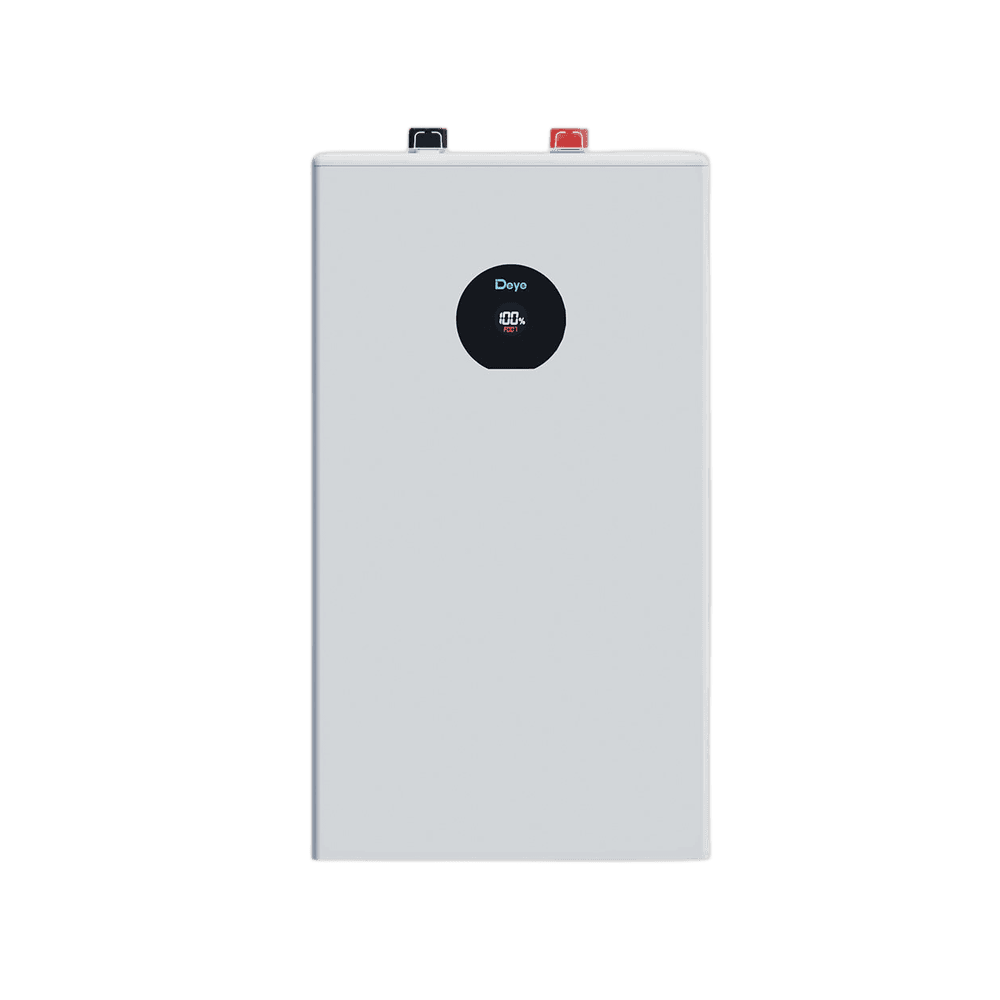
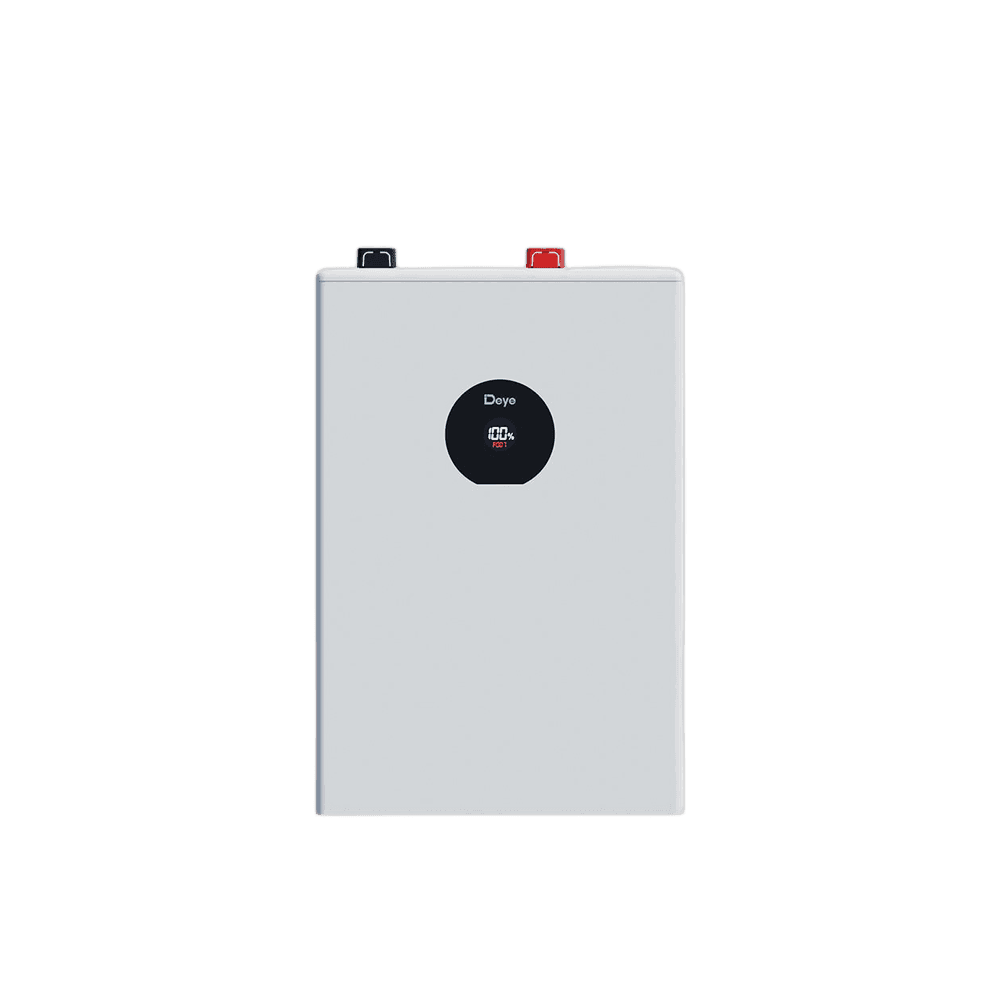
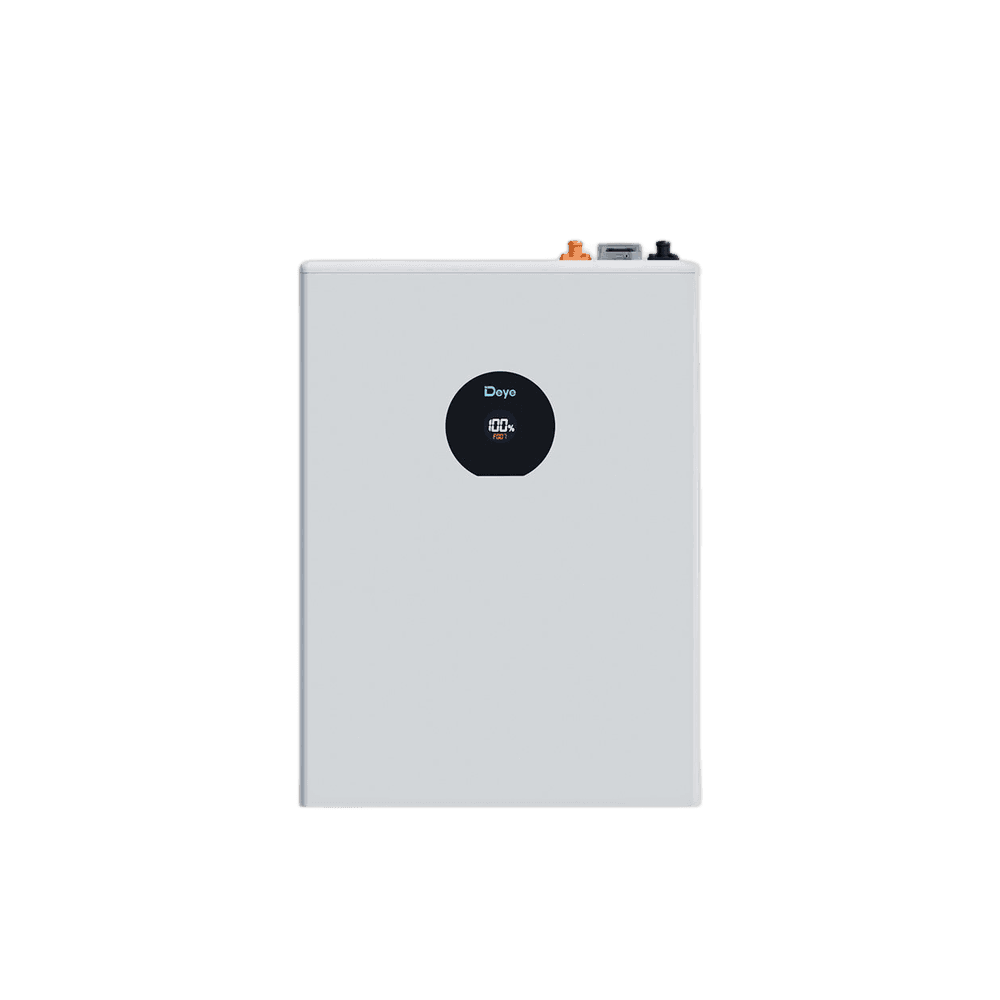
A battery cell voltage has risen above the BMS over-voltage protection threshold; the code is shown on the LCD and charging is stopped to protect the cell.
CauseCell voltage exceeded the protection limit during charging - typically the inverter/PCS charge voltage is set too high for the battery, or cell imbalance pushes one cell over the limit before the pack is full.
Recommended fixStop charging and let the battery rest until cell voltages fall back into range. Check that the inverter/PCS charge-voltage and lithium-protocol settings match the battery. if the code returns on every charge, contact Deye support.
Source:deye-ess-user-manual-se-f12-euende-v05-20250925.pdf· page 12se-f16-se-f16-l-se-f16-e-se-f16-c-manual.pdf· page 12deye-ess-user-manual-se-f5-euen-v09.pdf· page 14deye-ess-user-manual-se-f5-plus-euen-v09.pdf· page 11se-f5-pro-se-f5-pro-l-se-f5-pro-e-se-f5-pro-c-manual.pdf· page 13
A battery cell voltage has fallen below the BMS under-voltage protection threshold; discharging is stopped to protect the cell.
CauseA cell voltage fell below the under-voltage protection limit - over-discharge under load, or self-discharge during long storage without recharging.
Recommended fixStop discharging and recharge the battery promptly from PV or grid. if the battery no longer wakes up or the code persists after charging, contact Deye support.
Source:deye-ess-user-manual-se-f12-euende-v05-20250925.pdf· page 12se-f16-se-f16-l-se-f16-e-se-f16-c-manual.pdf· page 12deye-ess-user-manual-se-f5-euen-v09.pdf· page 14deye-ess-user-manual-se-f5-plus-euen-v09.pdf· page 11se-f5-pro-se-f5-pro-l-se-f5-pro-e-se-f5-pro-c-manual.pdf· page 13
Ultimate protection - the BMS's last-resort protection tripped after a critical limit was exceeded beyond the normal recoverable protection levels.
CauseA critical parameter (voltage, current, or temperature) passed the final protection threshold, beyond the point where the normal protections can recover automatically.
Recommended fixSwitch the battery off and disconnect it; do not keep operating it. Contact Deye support before returning the battery to service.
Source:deye-ess-user-manual-se-f12-euende-v05-20250925.pdf· page 12se-f16-se-f16-l-se-f16-e-se-f16-c-manual.pdf· page 12deye-ess-user-manual-se-f5-euen-v09.pdf· page 14deye-ess-user-manual-se-f5-plus-euen-v09.pdf· page 11se-f5-pro-se-f5-pro-l-se-f5-pro-e-se-f5-pro-c-manual.pdf· page 13
Charging current exceeded the battery's over-current protection limit and charging was interrupted.
CauseCharging current exceeded the protection limit - the inverter/PCS charge-current setting is above the battery's rating, or paralleled batteries are sharing current unevenly.
Recommended fixReduce the inverter's charge-current setting to the battery's rated value; with multiple batteries, check the power cabling is symmetrical so current shares equally, then restart the battery.
Source:deye-ess-user-manual-se-f12-euende-v05-20250925.pdf· page 12se-f16-se-f16-l-se-f16-e-se-f16-c-manual.pdf· page 12deye-ess-user-manual-se-f5-euen-v09.pdf· page 14deye-ess-user-manual-se-f5-plus-euen-v09.pdf· page 11se-f5-pro-se-f5-pro-l-se-f5-pro-e-se-f5-pro-c-manual.pdf· page 13
Discharge current exceeded the battery's over-current protection limit and discharging was interrupted.
CauseLoad or inverter demand exceeded the battery's rated discharge current, or a surge (e.g. motor/compressor start) tripped the protection.
Recommended fixReduce the connected load or the inverter's discharge-current limit. After the BMS recovers, confirm the steady load is within the battery's rating.
Source:deye-ess-user-manual-se-f12-euende-v05-20250925.pdf· page 12se-f16-se-f16-l-se-f16-e-se-f16-c-manual.pdf· page 12deye-ess-user-manual-se-f5-euen-v09.pdf· page 14deye-ess-user-manual-se-f5-plus-euen-v09.pdf· page 11se-f5-pro-se-f5-pro-l-se-f5-pro-e-se-f5-pro-c-manual.pdf· page 13
Cell temperature rose above the protection limit; charge/discharge is stopped until the pack cools.
CauseSustained high charge/discharge current, high ambient temperature, or poor ventilation around the battery drove the cell temperature above its limit.
Recommended fixStop charging/discharging and let the battery cool. Improve ventilation and keep the battery within its rated operating temperature range.
Source:deye-ess-user-manual-se-f12-euende-v05-20250925.pdf· page 12se-f16-se-f16-l-se-f16-e-se-f16-c-manual.pdf· page 12deye-ess-user-manual-se-f5-euen-v09.pdf· page 14deye-ess-user-manual-se-f5-plus-euen-v09.pdf· page 11se-f5-pro-se-f5-pro-l-se-f5-pro-e-se-f5-pro-c-manual.pdf· page 13
Cell temperature fell below the protection limit; charging is inhibited until the pack warms up.
CauseThe battery is in an environment colder than its rated charge/discharge temperature window.
Recommended fixWarm the installation space and wait for the battery to return to its operating temperature range; charging resumes once the cells are warm enough.
Source:deye-ess-user-manual-se-f12-euende-v05-20250925.pdf· page 12se-f16-se-f16-l-se-f16-e-se-f16-c-manual.pdf· page 12deye-ess-user-manual-se-f5-euen-v09.pdf· page 14deye-ess-user-manual-se-f5-plus-euen-v09.pdf· page 11se-f5-pro-se-f5-pro-l-se-f5-pro-e-se-f5-pro-c-manual.pdf· page 13
The voltage spread between cells exceeded the allowed difference.
CauseCell imbalance from long storage, aging, or repeated partial cycling widened the voltage gap between the highest and lowest cell beyond the threshold.
Recommended fixCharge the battery fully at low current and hold it there so the BMS can balance the cells. if the difference does not close after several full charges, contact Deye support.
Source:deye-ess-user-manual-se-f12-euende-v05-20250925.pdf· page 12se-f16-se-f16-l-se-f16-e-se-f16-c-manual.pdf· page 12deye-ess-user-manual-se-f5-euen-v09.pdf· page 14deye-ess-user-manual-se-f5-plus-euen-v09.pdf· page 11se-f5-pro-se-f5-pro-l-se-f5-pro-e-se-f5-pro-c-manual.pdf· page 13
The temperature spread across the pack exceeded the allowed difference.
CauseUneven heating or cooling around the pack (partial exposure to a heat source or draft) or a drifting temperature sensor produced an abnormal temperature gap between cells.
Recommended fixCheck the battery is not partially exposed to a heat source or cold draft and let temperatures equalize. if the code returns with the pack evenly tempered, contact Deye support.
Source:deye-ess-user-manual-se-f12-euende-v05-20250925.pdf· page 12se-f16-se-f16-l-se-f16-e-se-f16-c-manual.pdf· page 12deye-ess-user-manual-se-f5-euen-v09.pdf· page 14deye-ess-user-manual-se-f5-plus-euen-v09.pdf· page 11se-f5-pro-se-f5-pro-l-se-f5-pro-e-se-f5-pro-c-manual.pdf· page 13
The BMS power MOSFETs exceeded their temperature limit.
CauseHigh continuous current combined with high ambient temperature or blocked ventilation overheated the BMS switching MOSFETs.
Recommended fixReduce the charge/discharge current, let the battery cool, and improve ventilation. if it recurs at moderate current, contact Deye support.
Source:deye-ess-user-manual-se-f12-euende-v05-20250925.pdf· page 12se-f16-se-f16-l-se-f16-e-se-f16-c-manual.pdf· page 12deye-ess-user-manual-se-f5-euen-v09.pdf· page 14deye-ess-user-manual-se-f5-plus-euen-v09.pdf· page 11se-f5-pro-se-f5-pro-l-se-f5-pro-e-se-f5-pro-c-manual.pdf· page 13
The internal heating film exceeded its temperature limit.
CauseThe self-heating film ran hotter than allowed - heating control stayed on too long or its temperature sensor is misreading.
Recommended fixSwitch the battery off and let it cool. if the code returns whenever heating engages in cold weather, contact Deye support.
Source:deye-ess-user-manual-se-f12-euende-v05-20250925.pdf· page 12se-f16-se-f16-l-se-f16-e-se-f16-c-manual.pdf· page 12deye-ess-user-manual-se-f5-euen-v09.pdf· page 14deye-ess-user-manual-se-f5-plus-euen-v09.pdf· page 11se-f5-pro-se-f5-pro-l-se-f5-pro-e-se-f5-pro-c-manual.pdf· page 13
Hardware over-current discharge protection (OCD level 1/2/latch) from the BMS analog front end tripped.
CauseThe analog front-end chip detected discharge current above its hardware protection levels - a heavy surge or a short circuit on the battery terminals.
Recommended fixDisconnect the load, inspect the DC cabling for shorts, and restart the battery. if the protection trips again immediately, contact Deye support.
Source:deye-ess-user-manual-se-f12-euende-v05-20250925.pdf· page 12se-f16-se-f16-l-se-f16-e-se-f16-c-manual.pdf· page 12deye-ess-user-manual-se-f5-euen-v09.pdf· page 14deye-ess-user-manual-se-f5-plus-euen-v09.pdf· page 11se-f5-pro-se-f5-pro-l-se-f5-pro-e-se-f5-pro-c-manual.pdf· page 13
Hardware short-circuit discharge protection (SCD) from the BMS analog front end tripped.
CauseThe analog front-end chip detected a short-circuit-level discharge current at the battery terminals.
Recommended fixDisconnect the DC cables, find and clear the short circuit, then restart the battery. if it trips with nothing connected, contact Deye support.
Source:deye-ess-user-manual-se-f12-euende-v05-20250925.pdf· page 12se-f16-se-f16-l-se-f16-e-se-f16-c-manual.pdf· page 12deye-ess-user-manual-se-f5-euen-v09.pdf· page 14deye-ess-user-manual-se-f5-plus-euen-v09.pdf· page 11se-f5-pro-se-f5-pro-l-se-f5-pro-e-se-f5-pro-c-manual.pdf· page 13
The BMS controller lost communication with its analog front-end chip.
CauseInternal communication between the BMS microcontroller and the analog front end failed - an internal BMS board fault.
Recommended fixRestart the battery with the BMS switch. if the code persists, the BMS board needs service - contact Deye support.
Source:deye-ess-user-manual-se-f12-euende-v05-20250925.pdf· page 12se-f16-se-f16-l-se-f16-e-se-f16-c-manual.pdf· page 12deye-ess-user-manual-se-f5-euen-v09.pdf· page 14deye-ess-user-manual-se-f5-plus-euen-v09.pdf· page 11se-f5-pro-se-f5-pro-l-se-f5-pro-e-se-f5-pro-c-manual.pdf· page 13
The cell-voltage sampling circuit returned invalid readings.
CauseA fault in the voltage-sampling harness or measurement circuit inside the pack made cell-voltage readings invalid.
Recommended fixRestart the battery. if the code persists, the pack needs internal service - contact Deye support.
Source:deye-ess-user-manual-se-f12-euende-v05-20250925.pdf· page 12se-f16-se-f16-l-se-f16-e-se-f16-c-manual.pdf· page 12deye-ess-user-manual-se-f5-euen-v09.pdf· page 14deye-ess-user-manual-se-f5-plus-euen-v09.pdf· page 11se-f5-pro-se-f5-pro-l-se-f5-pro-e-se-f5-pro-c-manual.pdf· page 13
A temperature sensor returned an invalid reading.
CauseAn NTC temperature sensor is open-circuit, shorted, or disconnected inside the pack, so the BMS cannot read a valid temperature.
Recommended fixRestart the battery. if the code persists, the sensor circuit needs service - contact Deye support.
Source:deye-ess-user-manual-se-f12-euende-v05-20250925.pdf· page 12se-f16-se-f16-l-se-f16-e-se-f16-c-manual.pdf· page 12deye-ess-user-manual-se-f5-euen-v09.pdf· page 14deye-ess-user-manual-se-f5-plus-euen-v09.pdf· page 11se-f5-pro-se-f5-pro-l-se-f5-pro-e-se-f5-pro-c-manual.pdf· page 13
The BMS detected that its main MOSFET switch has failed short.
CauseAn internal hardware failure - often following a severe over-current event - left the main MOSFET permanently conducting, so the BMS can no longer disconnect the pack.
Recommended fixSwitch the battery off and take it out of service; the pack can no longer be disconnected reliably. Contact Deye support.
Source:deye-ess-user-manual-se-f12-euende-v05-20250925.pdf· page 12se-f16-se-f16-l-se-f16-e-se-f16-c-manual.pdf· page 12deye-ess-user-manual-se-f5-euen-v09.pdf· page 14deye-ess-user-manual-se-f5-plus-euen-v09.pdf· page 11se-f5-pro-se-f5-pro-l-se-f5-pro-e-se-f5-pro-c-manual.pdf· page 13
The BMS could not read or write its EEPROM memory.
CauseThe non-volatile memory holding BMS calibration and configuration failed a read/write - an internal memory fault.
Recommended fixRestart the battery. if the code persists, contact Deye support for BMS repair or replacement.
Source:deye-ess-user-manual-se-f12-euende-v05-20250925.pdf· page 12se-f16-se-f16-l-se-f16-e-se-f16-c-manual.pdf· page 12deye-ess-user-manual-se-f5-euen-v09.pdf· page 14deye-ess-user-manual-se-f5-plus-euen-v09.pdf· page 11se-f5-pro-se-f5-pro-l-se-f5-pro-e-se-f5-pro-c-manual.pdf· page 13
Communication between internal BMS boards/modules was lost.
CauseThe internal data link between BMS boards or between the BMS and internal modules dropped - internal wiring or board fault.
Recommended fixRestart the battery. if the code persists, contact Deye support.
Source:deye-ess-user-manual-se-f12-euende-v05-20250925.pdf· page 12se-f16-se-f16-l-se-f16-e-se-f16-c-manual.pdf· page 12deye-ess-user-manual-se-f5-euen-v09.pdf· page 14deye-ess-user-manual-se-f5-plus-euen-v09.pdf· page 11se-f5-pro-se-f5-pro-l-se-f5-pro-e-se-f5-pro-c-manual.pdf· page 13
The communication link between the battery and the inverter/PCS dropped.
CauseThe CAN link (500 kbps) between the battery COM port and the inverter's BMS port failed - loose or miswired cable, wrong pin order, or the wrong battery-protocol selection on the inverter.
Recommended fixCheck the communication cable from the battery COM port to the inverter's BMS port, verify the pin order against the manual, and select the correct lithium/CAN protocol on the inverter. Restart both units.
Source:deye-ess-user-manual-se-f12-euende-v05-20250925.pdf· page 12se-f16-se-f16-l-se-f16-e-se-f16-c-manual.pdf· page 12deye-ess-user-manual-se-f5-euen-v09.pdf· page 14deye-ess-user-manual-se-f5-plus-euen-v09.pdf· page 11se-f5-pro-se-f5-pro-l-se-f5-pro-e-se-f5-pro-c-manual.pdf· page 13
Two batteries on the communication bus are using the same (master) address.
CauseIn a multi-battery bank, more than one battery is set to the same address, so two units try to act as master on the bus.
Recommended fixSet a unique address on each battery (one master, the rest slaves) per the parallel-connection instructions, then power-cycle the bank.
Source:deye-ess-user-manual-se-f12-euende-v05-20250925.pdf· page 12se-f16-se-f16-l-se-f16-e-se-f16-c-manual.pdf· page 12deye-ess-user-manual-se-f5-euen-v09.pdf· page 14deye-ess-user-manual-se-f5-plus-euen-v09.pdf· page 11se-f5-pro-se-f5-pro-l-se-f5-pro-e-se-f5-pro-c-manual.pdf· page 13
The current-limiting MOSFET is stuck conducting (contact adhesion).
CauseThe BMS self-test found the current-limit MOSFET permanently conducting - a hardware failure in the current-limiting circuit.
Recommended fixSwitch the battery off and contact Deye support; the current-limit circuit needs repair.
Source:deye-ess-user-manual-se-f12-euende-v05-20250925.pdf· page 12se-f16-se-f16-l-se-f16-e-se-f16-c-manual.pdf· page 12deye-ess-user-manual-se-f5-euen-v09.pdf· page 14deye-ess-user-manual-se-f5-plus-euen-v09.pdf· page 11se-f5-pro-se-f5-pro-l-se-f5-pro-e-se-f5-pro-c-manual.pdf· page 13
The BMS suspects a main MOSFET is stuck conducting.
CauseThe self-test result suggests MOSFET contact adhesion - the switch may no longer open the circuit reliably.
Recommended fixPower-cycle the battery to re-run the self-test. if the code returns, take the battery out of service and contact Deye support.
Source:deye-ess-user-manual-se-f12-euende-v05-20250925.pdf· page 12se-f16-se-f16-l-se-f16-e-se-f16-c-manual.pdf· page 12deye-ess-user-manual-se-f5-euen-v09.pdf· page 14deye-ess-user-manual-se-f5-plus-euen-v09.pdf· page 11se-f5-pro-se-f5-pro-l-se-f5-pro-e-se-f5-pro-c-manual.pdf· page 13
The heating-circuit MOSFET is stuck conducting.
CauseThe MOSFET that switches the heating film failed closed, so heating can no longer be switched off reliably.
Recommended fixSwitch the battery off to prevent uncontrolled heating and contact Deye support.
Source:deye-ess-user-manual-se-f12-euende-v05-20250925.pdf· page 12se-f16-se-f16-l-se-f16-e-se-f16-c-manual.pdf· page 12deye-ess-user-manual-se-f5-euen-v09.pdf· page 14deye-ess-user-manual-se-f5-plus-euen-v09.pdf· page 11se-f5-pro-se-f5-pro-l-se-f5-pro-e-se-f5-pro-c-manual.pdf· page 13
The heating function failed.
CauseThe heating film did not warm the cells as commanded or the heating circuit reported an abnormal state - a fault in the heater or its control circuit.
Recommended fixRestart the battery. if heating still fails in cold conditions, contact Deye support.
Source:deye-ess-user-manual-se-f12-euende-v05-20250925.pdf· page 12se-f16-se-f16-l-se-f16-e-se-f16-c-manual.pdf· page 12deye-ess-user-manual-se-f5-euen-v09.pdf· page 14deye-ess-user-manual-se-f5-plus-euen-v09.pdf· page 11se-f5-pro-se-f5-pro-l-se-f5-pro-e-se-f5-pro-c-manual.pdf· page 13
An internal connector temperature exceeded its limit.
CauseA loose or high-resistance internal power connection heated up under current and pushed the connector temperature above the limit.
Recommended fixSwitch off and let the battery cool, then check and re-torque the power terminal connections and cable lugs. if the code returns, contact Deye support.
Source:deye-ess-user-manual-se-f12-euende-v05-20250925.pdf· page 12se-f16-se-f16-l-se-f16-e-se-f16-c-manual.pdf· page 12deye-ess-user-manual-se-f5-euen-v09.pdf· page 14deye-ess-user-manual-se-f5-plus-euen-v09.pdf· page 11se-f5-pro-se-f5-pro-l-se-f5-pro-e-se-f5-pro-c-manual.pdf· page 13
The precharge circuit could not bring the output/bus voltage up.
CauseA short circuit or a very large capacitive load on the battery terminals, or a failed precharge resistor, prevented the bus from precharging.
Recommended fixDisconnect the DC cables and check for shorts; confirm the connected inverter is a supported type. Reconnect and restart; if precharge still fails, contact Deye support.
Source:deye-ess-user-manual-se-f12-euende-v05-20250925.pdf· page 12se-f16-se-f16-l-se-f16-e-se-f16-c-manual.pdf· page 12deye-ess-user-manual-se-f5-euen-v09.pdf· page 14deye-ess-user-manual-se-f5-plus-euen-v09.pdf· page 11se-f5-pro-se-f5-pro-l-se-f5-pro-e-se-f5-pro-c-manual.pdf· page 13
Charging current was detected flowing in the wrong direction.
CauseReversed DC cable polarity or a miswired charge source pushed current through the battery in the reverse direction.
Recommended fixSwitch off immediately and verify the polarity of the DC cables between battery and inverter before reconnecting.
Source:deye-ess-user-manual-se-f12-euende-v05-20250925.pdf· page 12se-f16-se-f16-l-se-f16-e-se-f16-c-manual.pdf· page 12deye-ess-user-manual-se-f5-euen-v09.pdf· page 14deye-ess-user-manual-se-f5-plus-euen-v09.pdf· page 11se-f5-pro-se-f5-pro-l-se-f5-pro-e-se-f5-pro-c-manual.pdf· page 13
A power terminal temperature exceeded its limit.
CauseLoose terminal bolts, undersized cable, or corrosion created contact resistance that heated the power terminal under load.
Recommended fixSwitch off, let the terminals cool, re-torque the connections, and check the cable sizing. if it recurs, contact Deye support.
Source:deye-ess-user-manual-se-f12-euende-v05-20250925.pdf· page 12se-f16-se-f16-l-se-f16-e-se-f16-c-manual.pdf· page 12deye-ess-user-manual-se-f5-euen-v09.pdf· page 14deye-ess-user-manual-se-f5-plus-euen-v09.pdf· page 11se-f5-pro-se-f5-pro-l-se-f5-pro-e-se-f5-pro-c-manual.pdf· page 13
The battery's main fuse has opened.
CauseAn external short circuit or an extreme over-current event blew the main pack fuse.
Recommended fixTake the battery out of service and contact Deye support; the cause of the over-current must be found and cleared before the fuse is replaced.
Source:deye-ess-user-manual-se-f12-euende-v05-20250925.pdf· page 12se-f16-se-f16-l-se-f16-e-se-f16-c-manual.pdf· page 12deye-ess-user-manual-se-f5-euen-v09.pdf· page 14deye-ess-user-manual-se-f5-plus-euen-v09.pdf· page 11se-f5-pro-se-f5-pro-l-se-f5-pro-e-se-f5-pro-c-manual.pdf· page 13
An open wire was detected in the cell-voltage sampling harness.
CauseA cell-voltage sampling lead is broken or disconnected, so the BMS reads an open circuit on that channel.
Recommended fixRestart the battery. if the code persists, the sampling harness needs internal service - contact Deye support.
Source:deye-ess-user-manual-se-f12-euende-v05-20250925.pdf· page 12se-f16-se-f16-l-se-f16-e-se-f16-c-manual.pdf· page 12deye-ess-user-manual-se-f5-euen-v09.pdf· page 14deye-ess-user-manual-se-f5-plus-euen-v09.pdf· page 11se-f5-pro-se-f5-pro-l-se-f5-pro-e-se-f5-pro-c-manual.pdf· page 13
An open wire was detected in the temperature-sensor harness.
CauseA temperature-sensor lead is broken or disconnected, so the BMS reads an open circuit on that channel.
Recommended fixRestart the battery. if the code persists, contact Deye support.
Source:deye-ess-user-manual-se-f12-euende-v05-20250925.pdf· page 12se-f16-se-f16-l-se-f16-e-se-f16-c-manual.pdf· page 12deye-ess-user-manual-se-f5-euen-v09.pdf· page 14deye-ess-user-manual-se-f5-plus-euen-v09.pdf· page 11se-f5-pro-se-f5-pro-l-se-f5-pro-e-se-f5-pro-c-manual.pdf· page 13
Support for your Deye unit is free for life — our contact page lists our phone and email. If the unit needs replacing, order it online.
Compiled from official Deye user manuals. Always consult your device manual and a qualified technician before performing repairs.